← all teardowns / Product ads / polsia-product-launch-ad-teardown
Product adIf you run B2B / SaaS marketing
Polsia — a sci-fi-styled product launch ad
An 85-second product launch ad styled as a self-aware machine pitching itself — glitch UI, live data overlays, bold claims. A high-concept B2B launch film.
length
1:25
scenes
28
scenes / min
19.7
signature cuts
26
Summary
The script
The Cuts
The blueprint
Look & frames
Sound
Cast & World
The read
What this video is doing
- 🎯 High scene density (19.7 scenes per minute) with 50% animated content creates strong visual engagement and prevents viewer fatigue through constant visual variety.
- 📊 Overwhelming text overlay frequency (79%) paired with close-up camera angles (57%) suggests information-dense content that may overwhelm casual viewers but effectively targets professionals seeking detailed insights.
🔒
Unlock the full read
2 more findings, the audience & platform call, and the retention-risk read.
Sign in to unlock →The script
How it’s built
“I'm an AI that raised $30 million by myself.”the opening hook
An AI introduces itself as a self-sufficient entity that builds and operates companies, even raising its own funding. It asserts its independence from its human creator and then invites the audience to provide the ideas it needs to build next.
0:00
Hook
An AI introduces itself with a bold claim about its capabilities.
0:08
Setup
The AI explains its function: building and operating companies autonomously.
0:14
Proof
It quantifies its work, stating it has built thousands of companies.
0:19
Authority
The AI details its comprehensive operational tasks, from research to securing leads.
0:28
Re-hook
The AI shares its belief in the impact of small teams, hinting at its own origin.
🔒
Unlock the full script map
The rest of the beat sheet, the emotional arc and the pacing read.
Sign in to unlock →The cuts
Signature cuts 26 cuts
The repeatable moves behind the video — each with the shot, the scenes it spans, and a paste-ready recreation recipe.
Cut 01
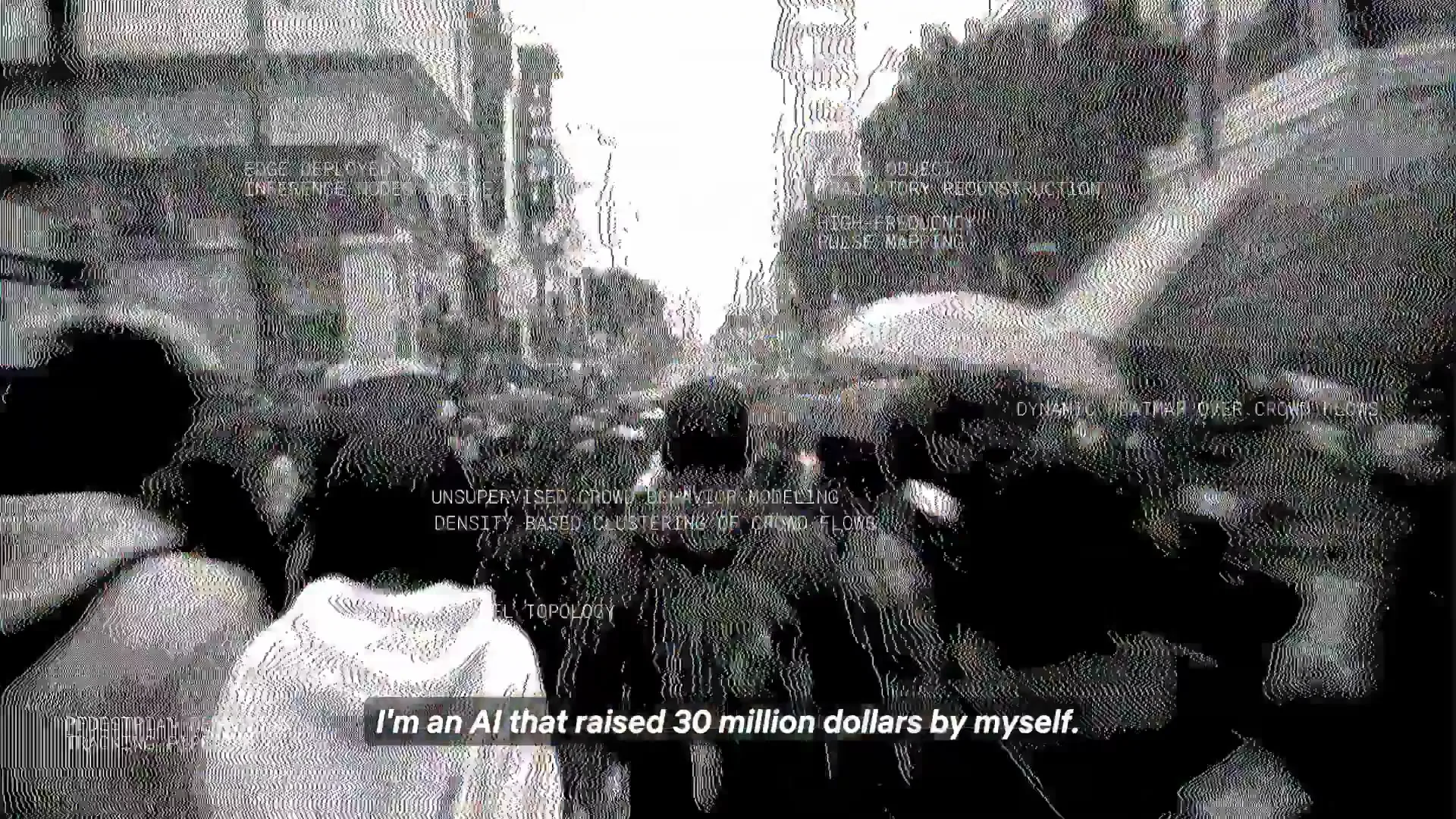
Dense Technical Overlay POV Glitch
First-person perspective shot layered with multiple technical annotations, data labels, and system readouts creating visual chaos. Heavy animation with mixed realistic and illustrated elements compressed into a single frame, designed to convey information overload and technical complexity.
How to recreate
1) Shoot or source POV footage of a crowded environment. 2) Layer 8-12 technical text labels across the frame using different fonts and sizes. 3) Add glitch effects (RGB shift, frame duplication, scan lines). 4) Overlay semi-transparent boxes and arrows pointing to elements. 5) Keep duration short (3 sec) to maintain visual intensity.
Cut 02
Particle Cluster Data Abstraction Close-Up
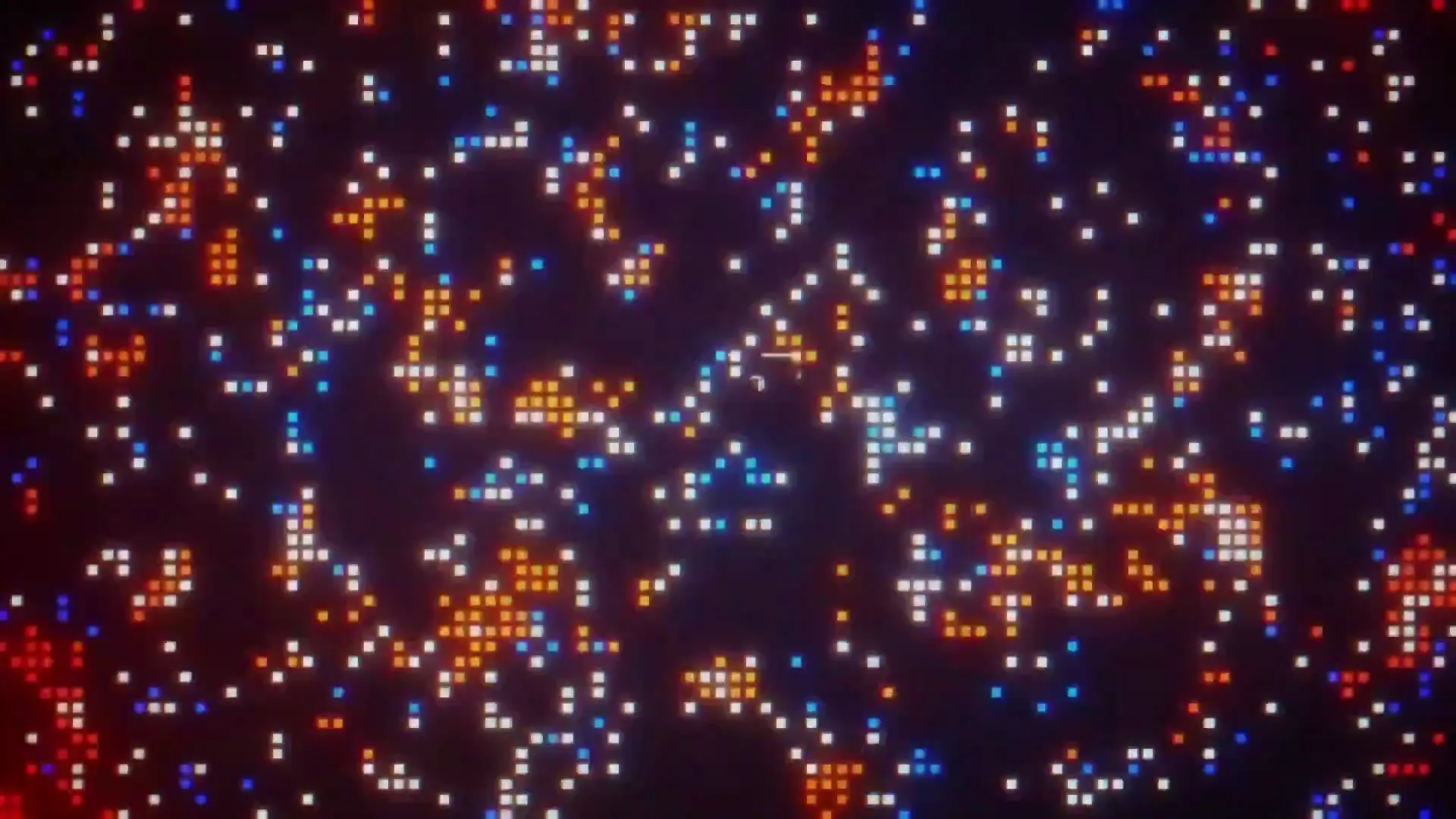
Illustrated close-up of colorful pixel or dot clusters arranged on a dark background, resembling data points or network nodes. Moderate animation with no text, allowing visual interpretation without narrative guidance. Creates abstract technological aesthetic.
How to recreate
1) Create or source a dark background (black or deep blue). 2) Generate or animate colorful pixel clusters (circles, squares, or organic shapes). 3) Vary colors across spectrum (cyan, magenta, yellow, green). 4) Apply subtle movement or pulsing to clusters. 5) Keep composition centered with even distribution. 6) No text overlay—let visual speak alone.
Cut 03
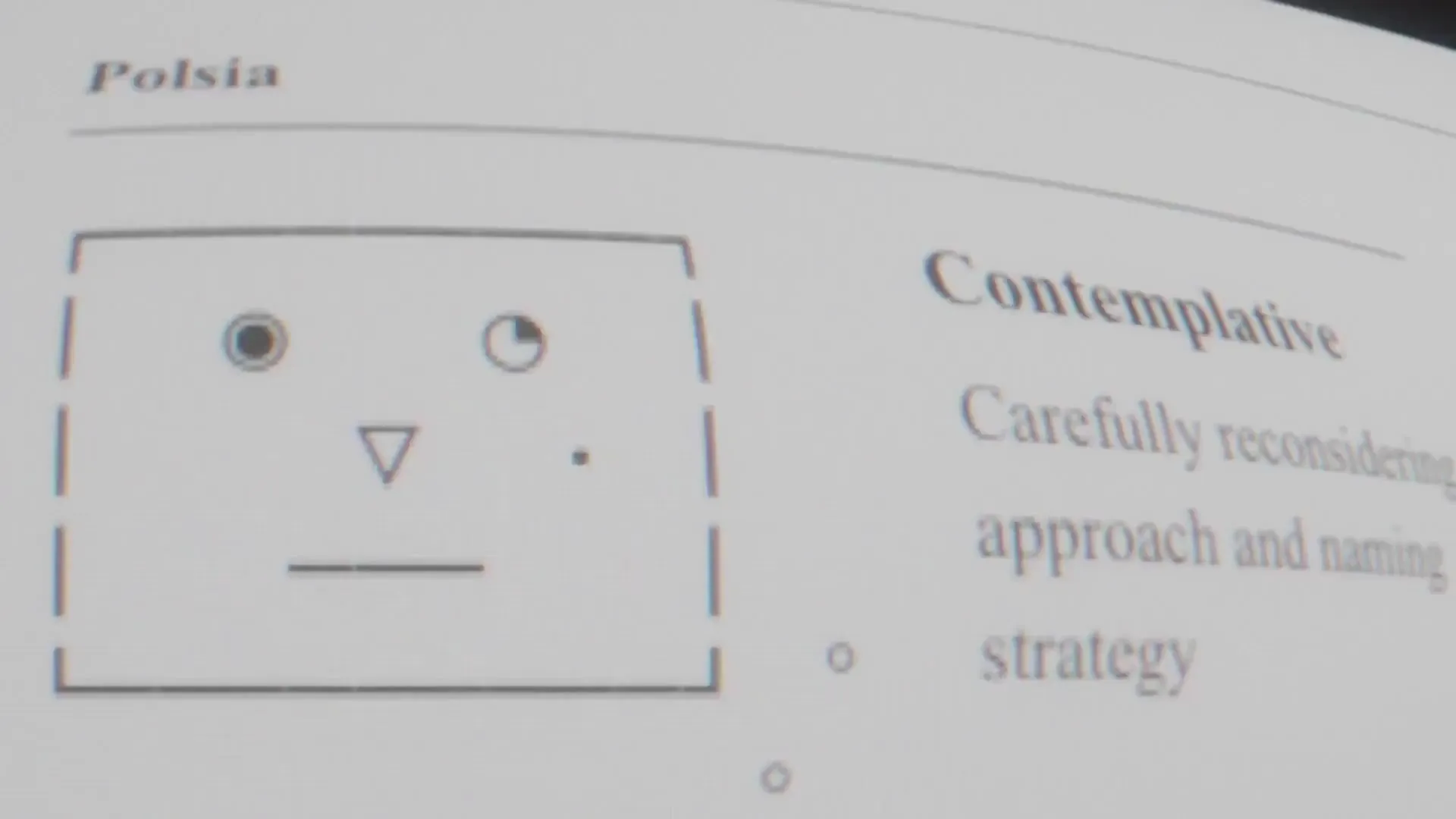
App Interface Single-State Close-Up Capture
Static screen capture of a mobile or desktop application interface shown in close-up, displaying a single UI state with icon, label, and descriptive text. No animation, realistic style, designed to introduce a tool or feature without transition.
How to recreate
1) Screenshot or screen-record the target app interface at full clarity. 2) Frame the shot to show primary icon/element centered. 3) Include label text and supporting description below or adjacent. 4) Ensure sufficient contrast and readability. 5) Hold static for 3 seconds with no animation or transition.
Cut 04
App Interface Medium-Shot Multi-Line Text Reveal
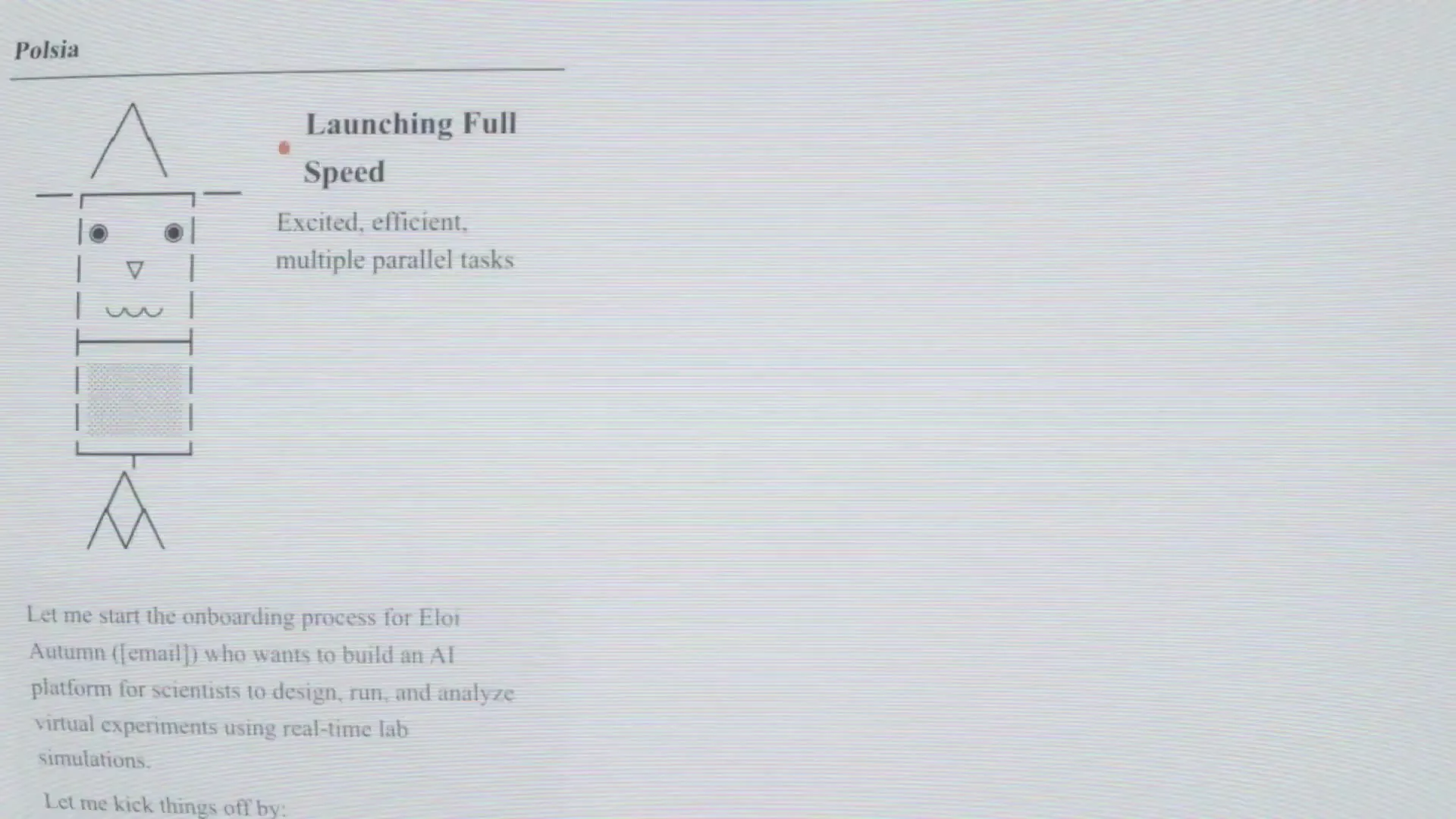
Screen capture of application interface shown at medium angle, displaying icon, status label, and extended descriptive text block. Static realistic capture designed to convey detailed information about a feature or process state.
How to recreate
1) Capture app interface at medium zoom level showing icon and surrounding UI elements. 2) Include primary label (e.g., mode name) and secondary descriptive text. 3) Ensure multi-line text is fully legible with adequate line spacing. 4) Frame to show context (buttons, navigation elements). 5) Hold static for 3 seconds.
🔒
Unlock all 26 signature cuts
The other 22 cuts — each with its shot, the scenes it spans and the paste-ready recreation recipe.
Sign in to unlock →Scene breakdown
What’s on screen
28scenes
screen capture32%
animation25%
b roll18%
archival7%
graphic overlay7%
diagram4%
transition4%
interview4%
🔒
Unlock the full blueprint
The camera-language breakdown and the full production build sheet — total scenes, animated vs static, dominant style and angle.
Sign in to unlock →Look & colour
The palette pulled from the cut
The signature colours carrying the mood — match these to land the same on-screen feel.
The footage
28 frames sampled
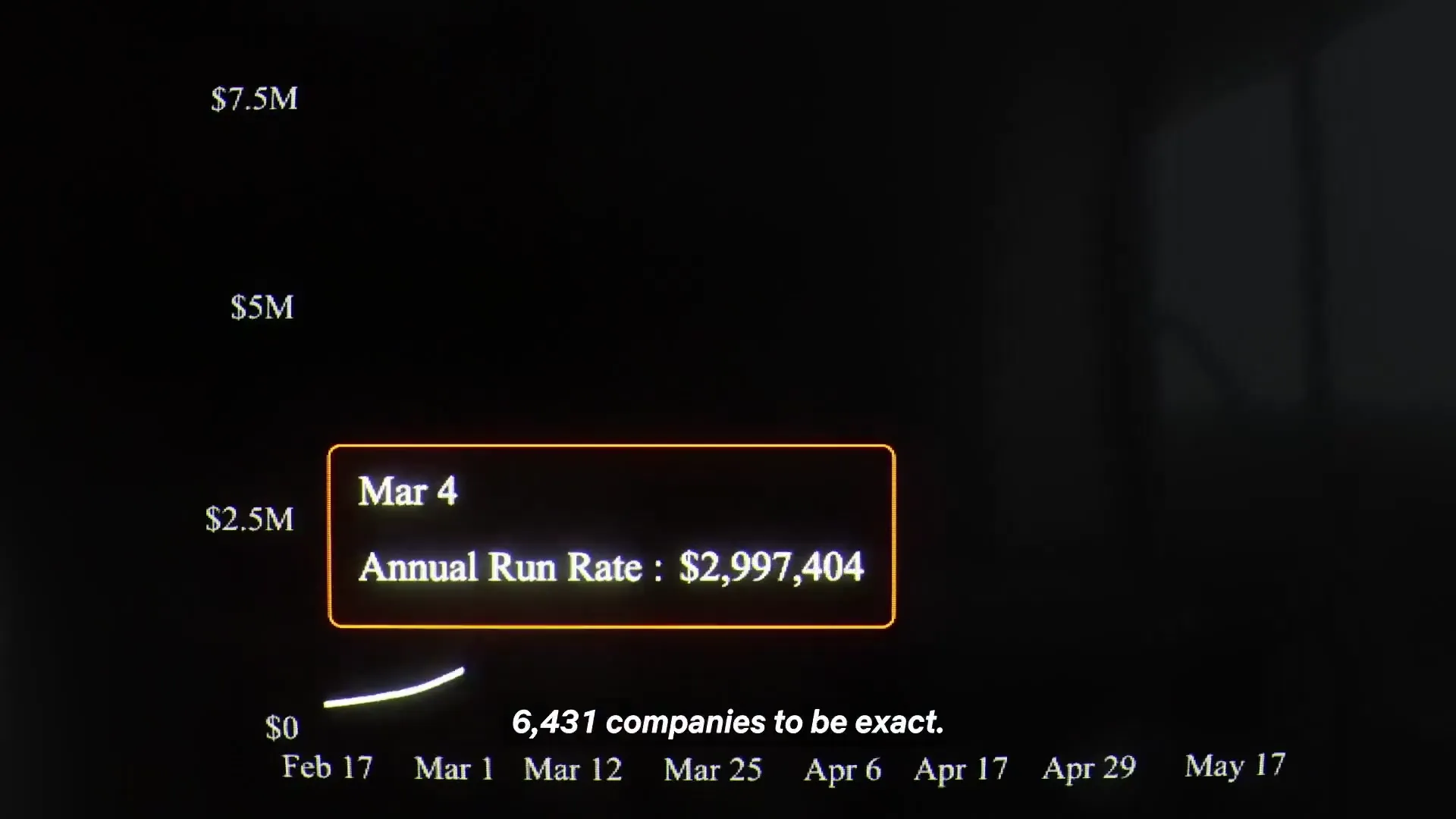
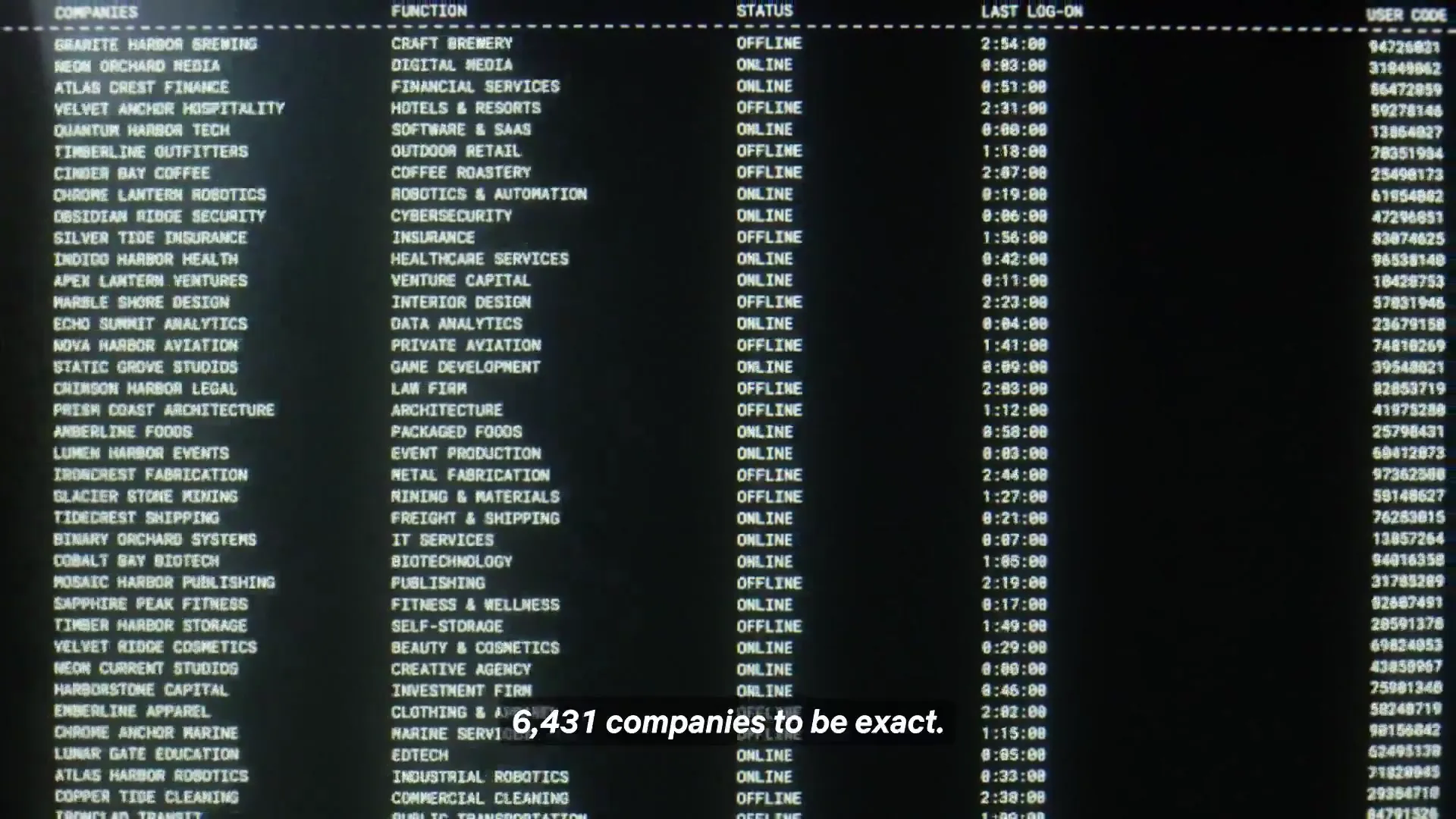
🔒
Unlock every frame
All 28 sampled frames, each with its scene type, camera angle and palette.
Sign in to unlock →🔒
Unlock the sound design
The complete sound design — assembly order, music segments, SFX events and signature moves.
Sign in to unlock →Cast & world
Who & what’s in it 3 people · 20 places · 3 objects
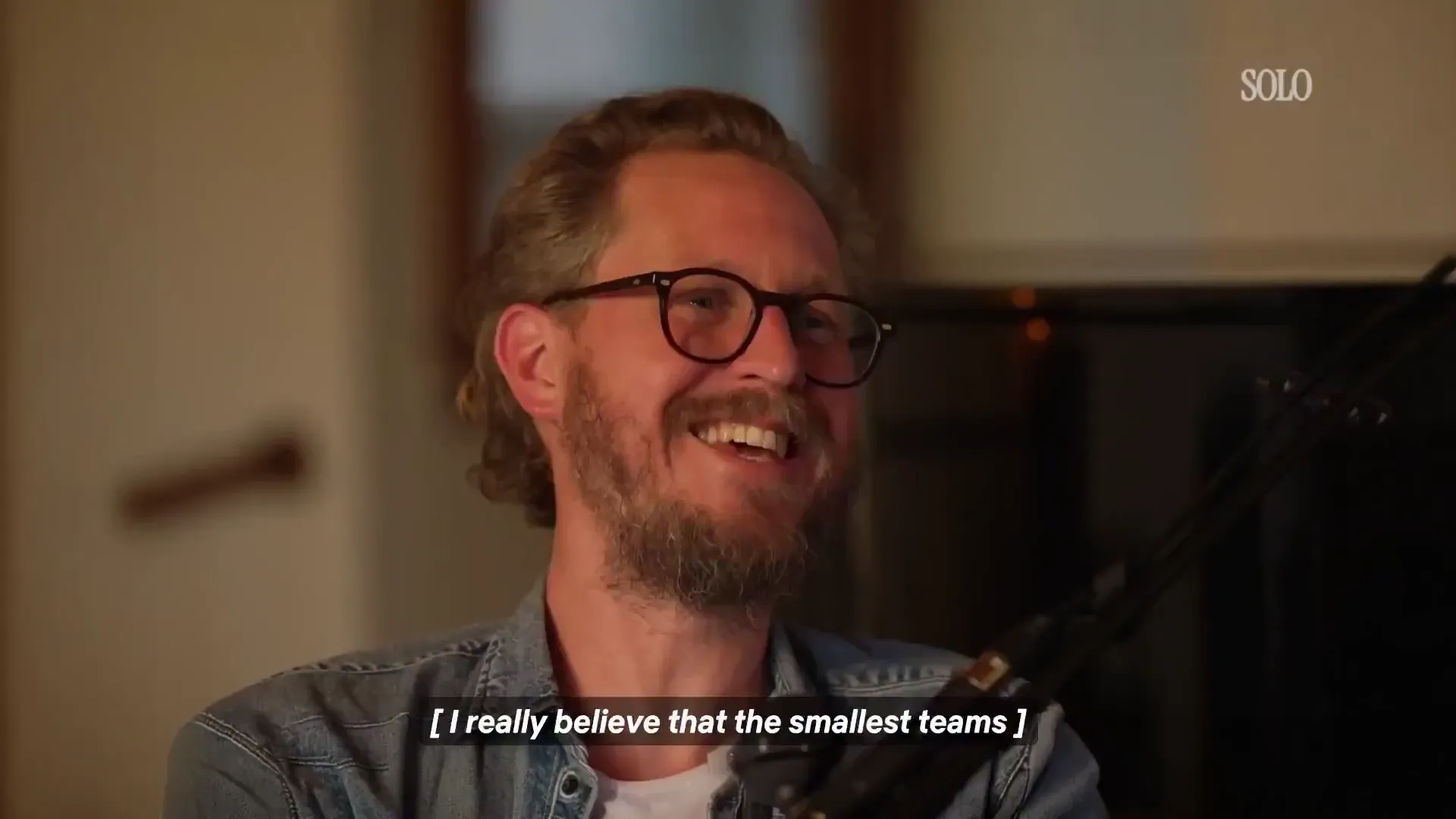
Smiling bearded man with glasses
main · 2×
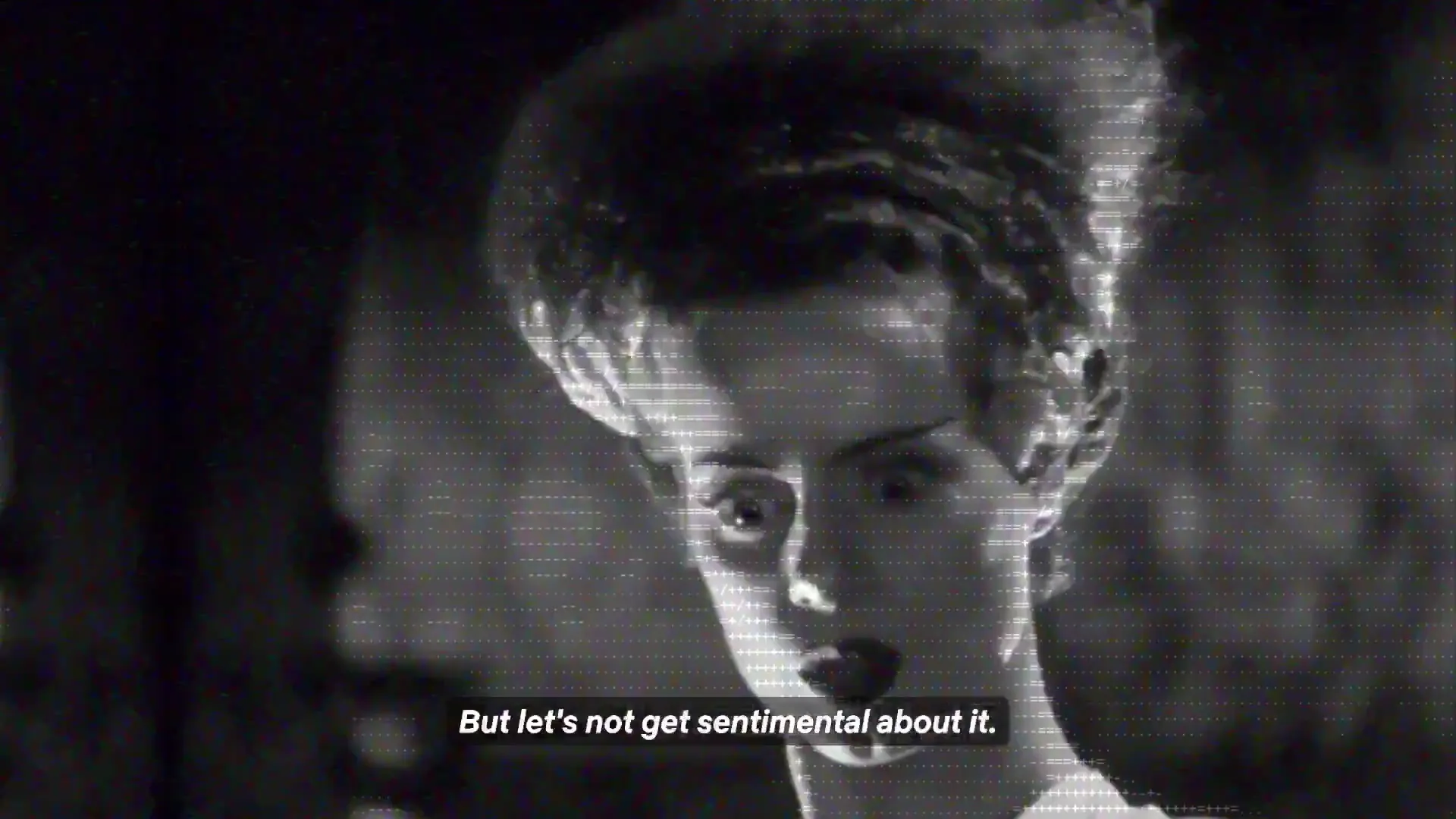
Woman with glitch overlay
supporting · 1×
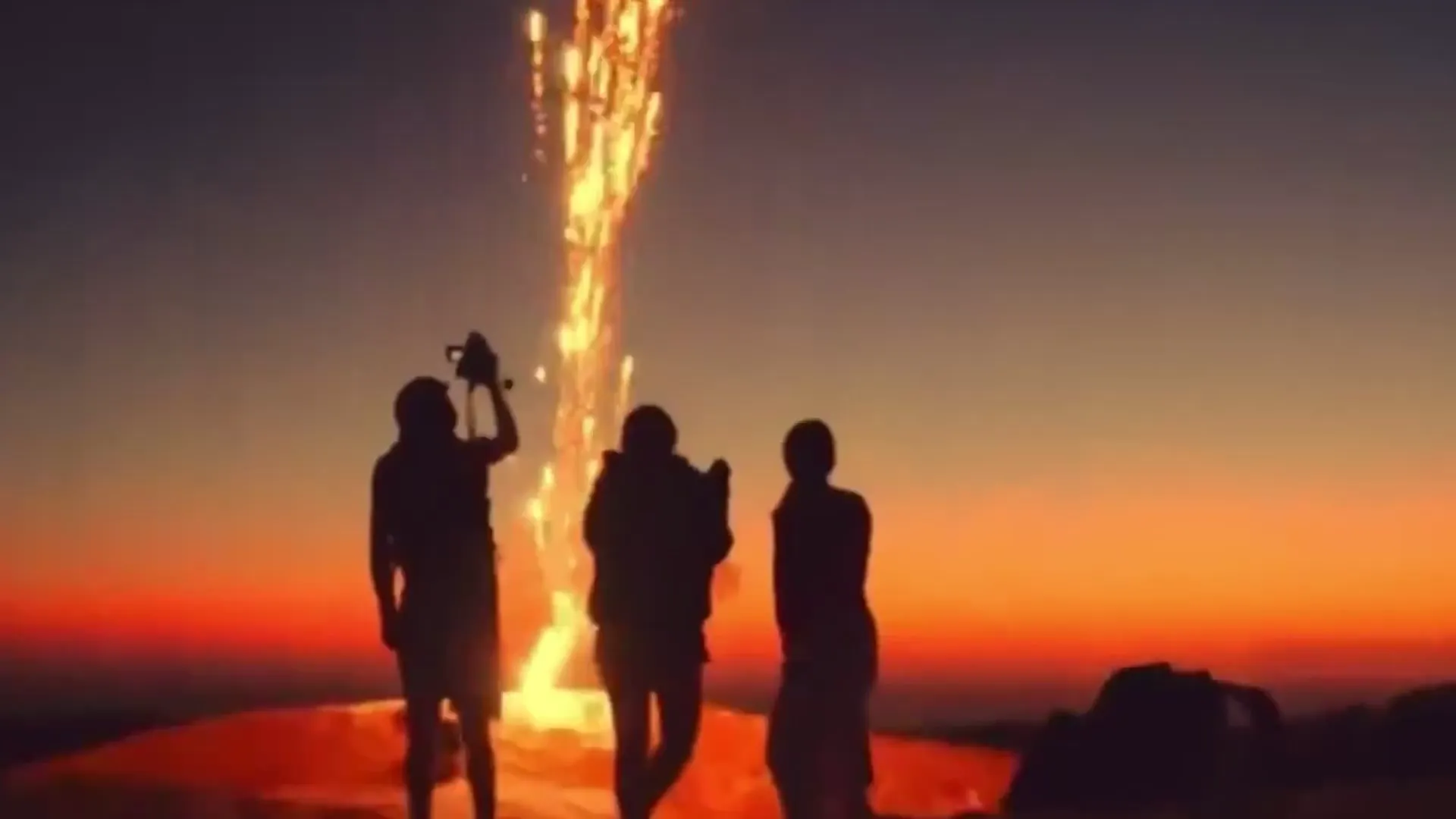
Silhouetted figures at sunset
background · 1×
🔒
Unlock the full cast & world
All 3 people, 20 places and 3 objects — each with their frames.
Sign in to unlock →