/// ● now live on the chrome web store
Add videngineer to your browser.
See an ad worth studying, a Reel, a competitor's YouTube — click it and get the playbook. No copy-pasting URLs, no leaving the page.
⌖ Add to Chrome — free →// one-click install · browse teardowns free · Pro to analyse your own, $19.99/mo


✓
One-click install from the Chrome Web Store — reviewed by Google, no developer mode, no .zip. Edge, Brave, Firefox & Opera coming soon.
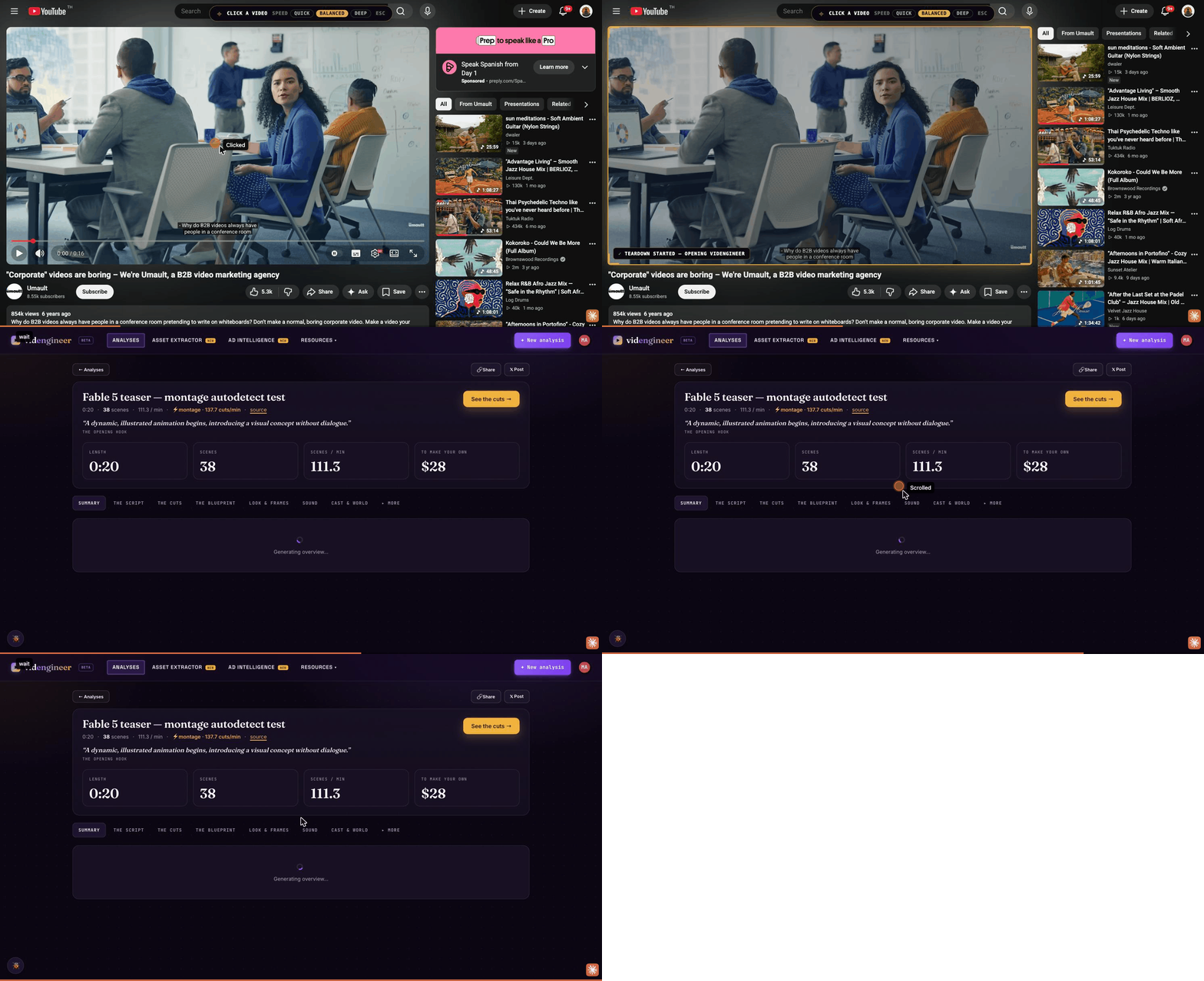
/// 30 seconds
Click a video → keep the playbook
STEP 01
Add to Chrome
One click from the Chrome Web Store. No setup, no developer mode.
STEP 02
Sign in
Use your free videngineer account — every teardown lands in your library.
STEP 03
Click any video
On any page — hit the videngineer button or right-click the video.
STEP 04
Get the playbook
Transcript, scene blueprint, hook score & a frame-by-frame recipe.
Reviewed. Private by design.
- No data collected. No analytics, no tracking, no browsing history.
- No remote code. Everything runs locally in the extension (Manifest V3).
- It only acts when you click. It never reads a page beyond the video you pick, and never transmits your login.
- Published & reviewed by Google on the Chrome Web Store.
Live on the Chrome Web Store
View the listing →
// reviewed by Google · one-click install · auto-updates
Your privacy
// no analytics · no tracking · acts only on the video you click
Browse free. Pro to reverse-engineer your own.
Your account lets you browse every teardown free. To analyse your own video — from the extension or the app — the unlock button is right there: Pro, $19.99/mo, unlimited.
Go Pro — $19.99/mo →