← all teardowns / Product ads / nextiva-b2b-saas-ad-teardown
B2B SaaS adIf you run B2B / SaaS marketing
Nextiva — a 34-second B2B ad
A SaaS ad that runs problem–agitate–solve in 34 seconds — the exact structure a competitor could swipe before briefing their next one.
length
0:34
scenes
13
scenes / min
23.0
signature cuts
9
Summary
The script
The Cuts
The blueprint
Look & frames
Sound
Cast & World
The read
What this video is doing
- 📊 High text overlay frequency (94%) combined with 100% static frames risks cognitive overload—viewers may struggle to process information without dynamic visual breaks or animations to guide attention.
- 🎬 Rapid scene changes (23 scenes per minute) create a frenetic pacing that works well for capturing attention but may exhaust viewers if the narrative doesn't provide clear emotional anchors or payoff moments.
🔒
Unlock the full read
2 more findings, the audience & platform call, and the retention-risk read.
Sign in to unlock →The script
How it’s built
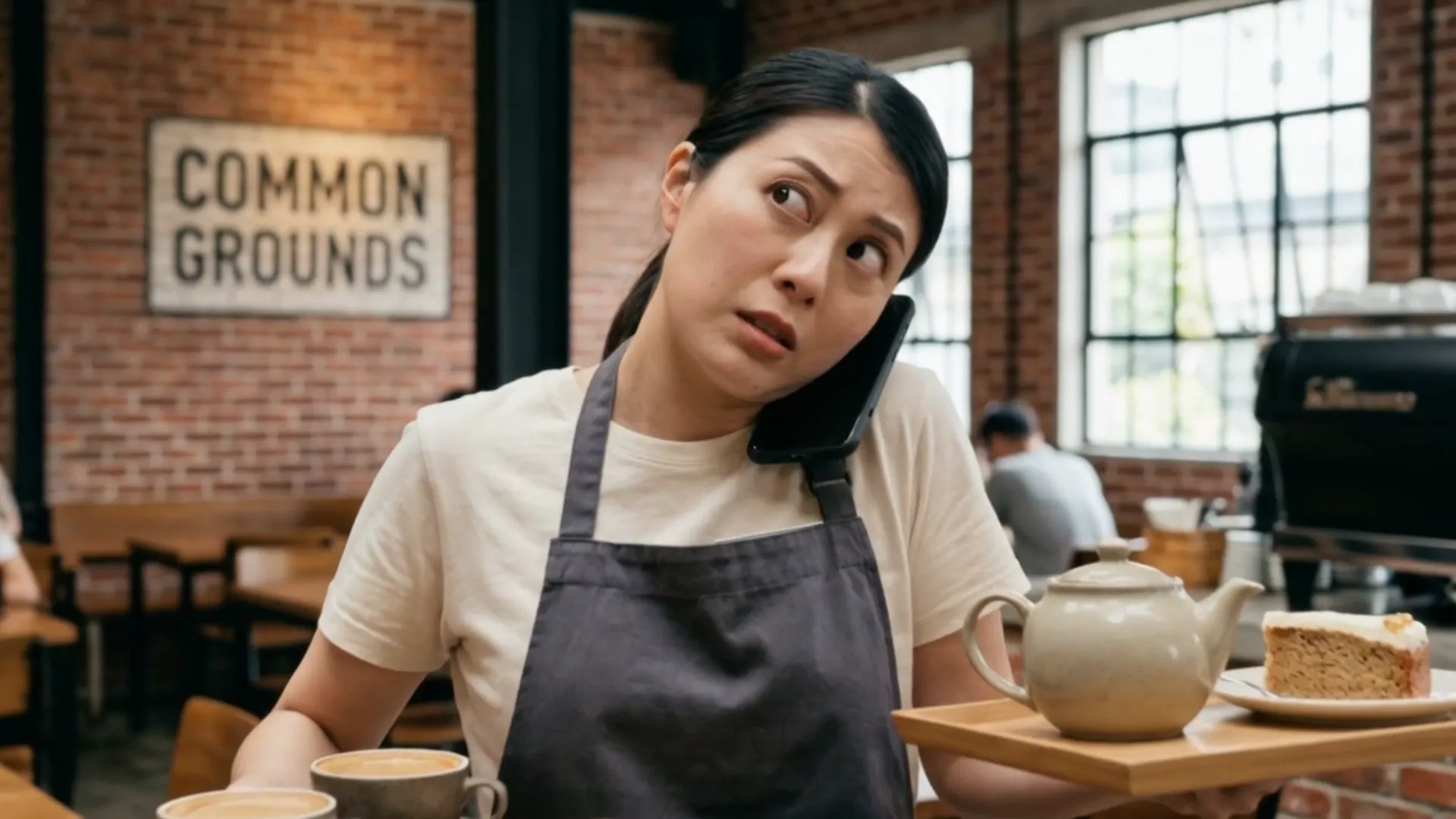
“Hey, hi, is this common ground?”the opening hook
A busy cafe struggles with overlapping phone calls and reservation requests. Nextva Expert AI solves the problem by automating call handling and confirmations instantly. Try free for 14 days.
0:00
Hook
Cold open with casual phone greeting establishes relatable scenario.
0:04
Setup
Customer asks closing time; staff responds but interaction feels scattered.
0:14
Re-hook
Multiple overlapping calls and questions pile up simultaneously.
🔒
Unlock the full script map
The rest of the beat sheet, the emotional arc and the pacing read.
Sign in to unlock →The cuts
Signature cuts 9 cuts
The repeatable moves behind the video — each with the shot, the scenes it spans, and a paste-ready recreation recipe.
Cut 01
Wide-Shot Establishment with Persistent Overlay Text
A wide-angle establishing shot of a multi-figure environment (busy location with 5+ people) held for 2 seconds with a single, centered text overlay that remains static throughout. Creates immediate context and location authority without animation or transition effects.
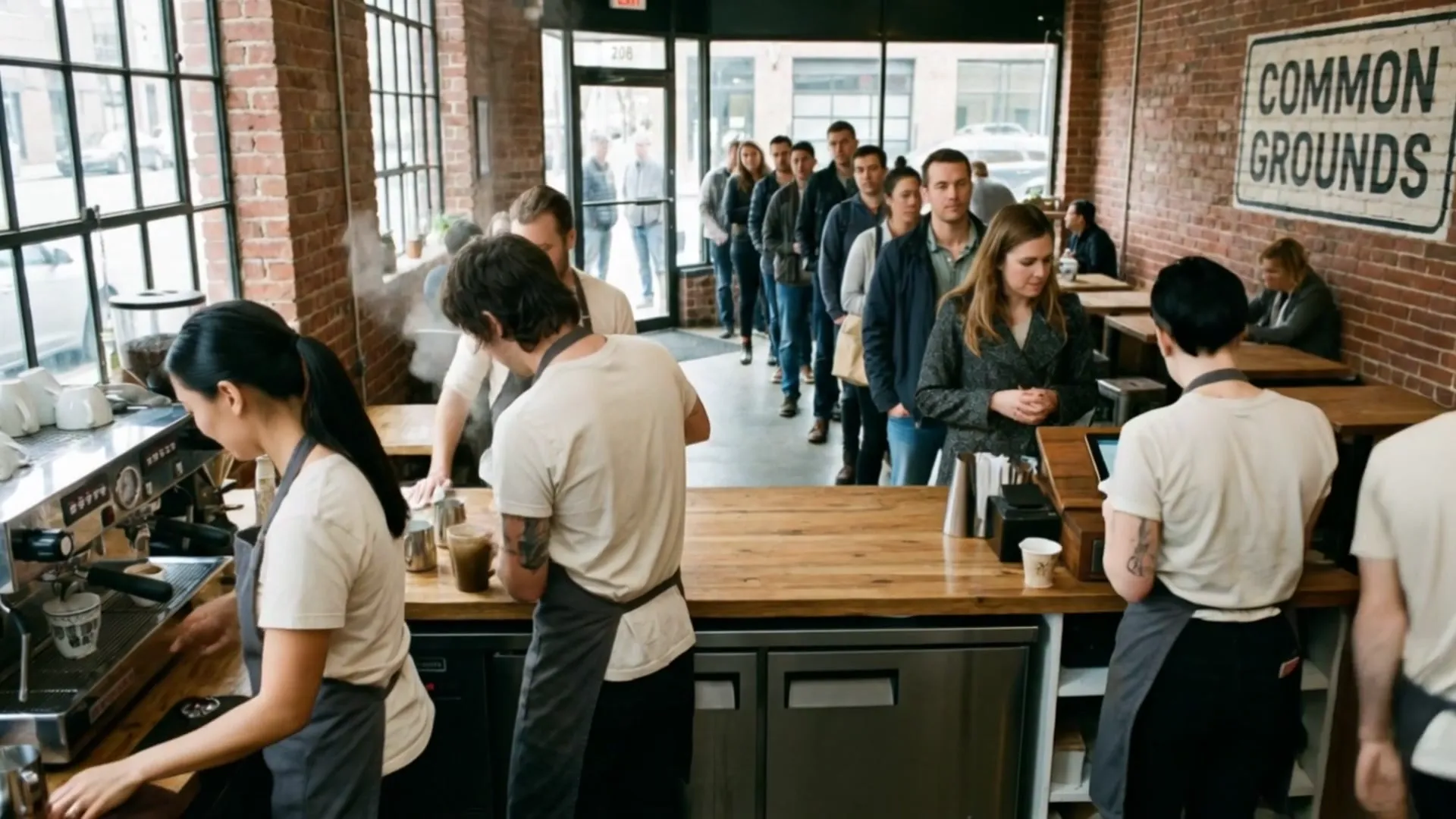
How to recreate
1) Shoot wide establishing shot of busy location with multiple people visible. 2) Hold static frame for 2 seconds minimum. 3) Place single text overlay (brand/location name) centered on screen. 4) Keep text consistent and non-animated. 5) Export at standard duration without cuts or transitions.
Cut 02
Medium Close-Up Single-Figure Action Focus
A medium-angle shot isolating one person performing a specific task or action, held static for 2 seconds with minimal background detail. Directs viewer attention to individual competency or emotional state without camera movement.
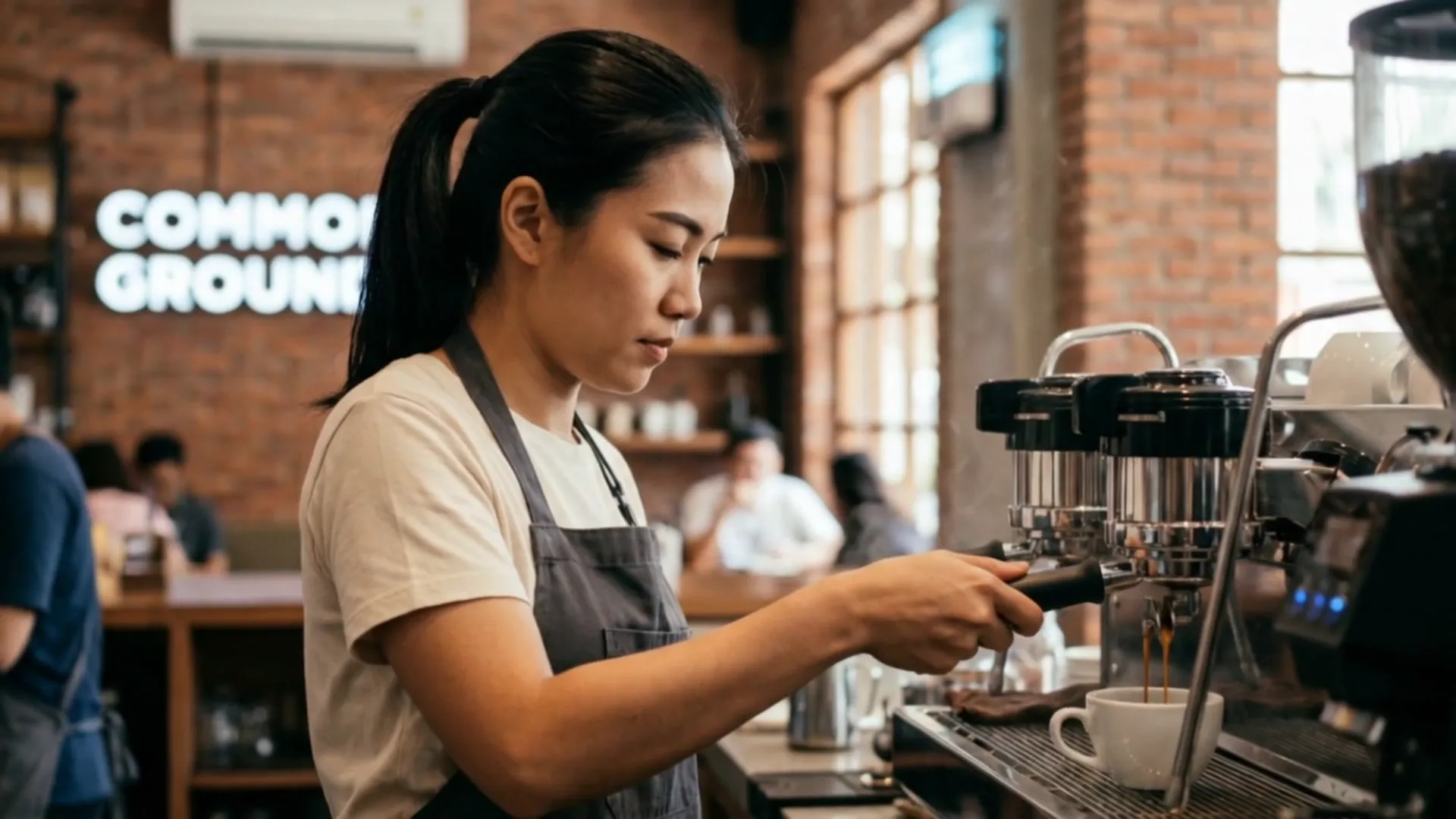
How to recreate
1) Frame subject at medium distance (waist-to-head or torso visible). 2) Position subject slightly off-center or in rule-of-thirds. 3) Keep background softly out-of-focus or minimal. 4) Capture subject performing primary task. 5) Hold frame static for 2 seconds without pans or zooms.
Cut 03
Extreme Close-Up Product Isolation on Contextual Surface
A macro or extreme close-up shot of a single object (phone, device, item) placed on a textured surface (wood, counter), filling most of the frame. Creates product emphasis and tactile detail without animation or text overlay.
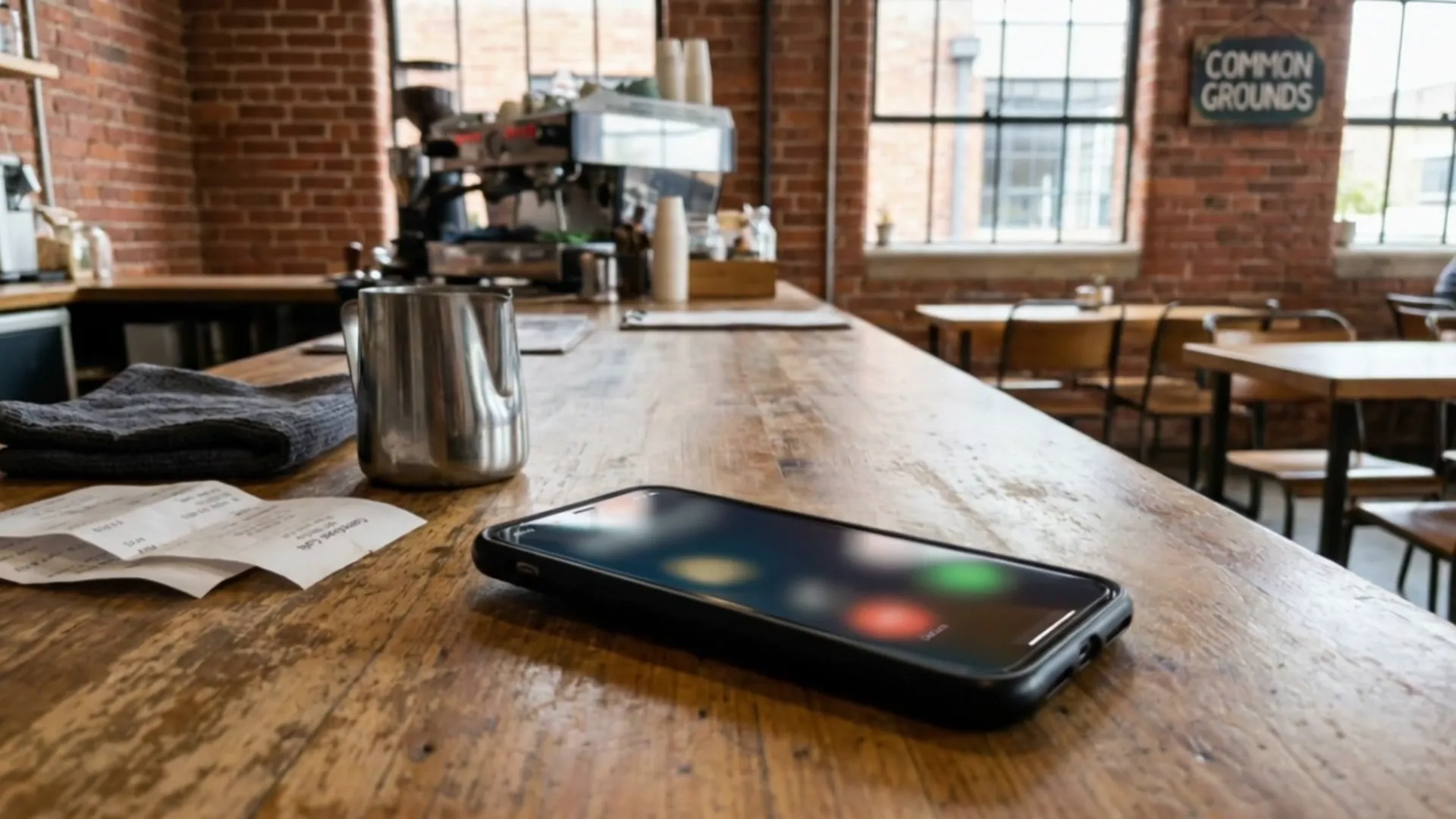
How to recreate
1) Position product on relevant contextual surface (desk, counter, etc.). 2) Frame at extreme close-up (product fills 60-80% of frame). 3) Use shallow depth-of-field to isolate product from background. 4) Ensure clear, even lighting on product surface. 5) Hold static for 2 seconds without movement or effects.
Cut 04
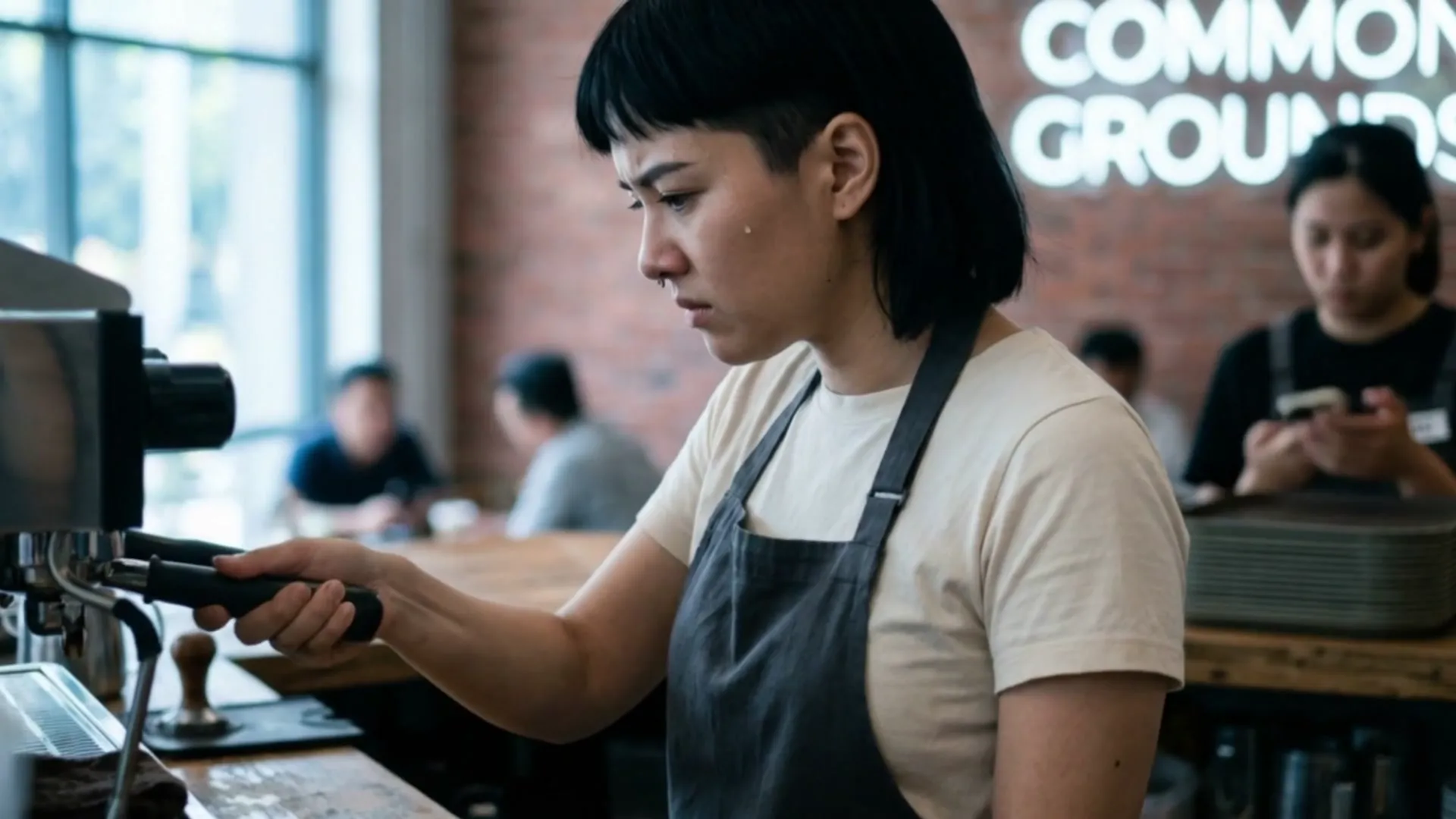
Multi-Frame Emotional State Progression with Repeated Branding
A sequence of 2+ medium shots of the same character in different emotional or physical states (stressed, focused, emotional), each frame lasting 2 seconds, with identical text overlay repeated across all frames. Builds narrative tension through character emotion rather than dialogue.
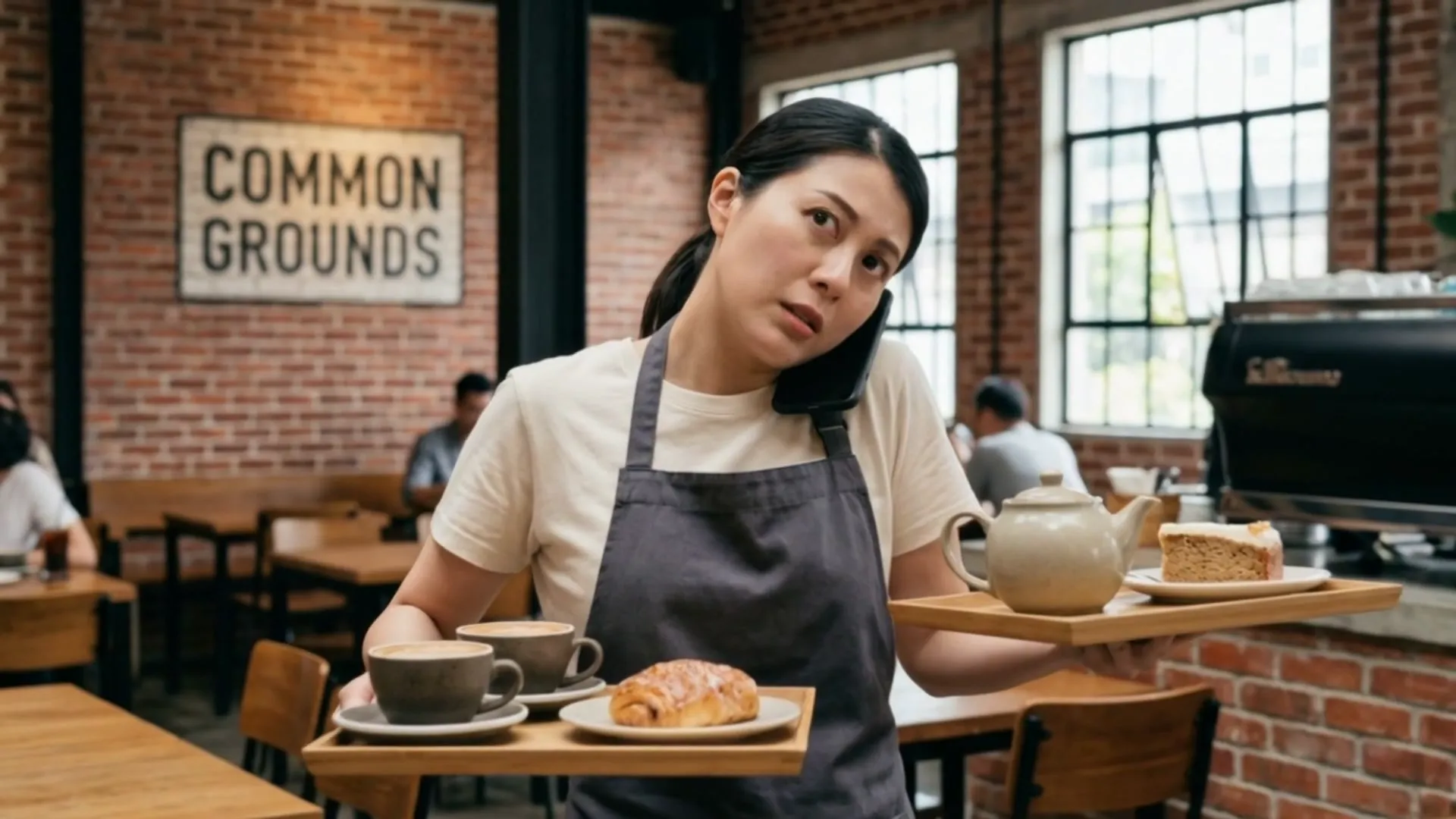
How to recreate
1) Capture same character in 2-3 distinct emotional/physical states. 2) Frame each shot at medium angle (shoulders visible). 3) Space frames 2 seconds apart. 4) Apply identical text overlay to each frame. 5) Edit frames in sequence to show progression without transitions. 6) Maintain consistent lighting and framing across all shots.
🔒
Unlock all 9 signature cuts
The other 5 cuts — each with its shot, the scenes it spans and the paste-ready recreation recipe.
Sign in to unlock →Scene breakdown
What’s on screen
13scenes
b roll65%
graphic overlay29%
product shot6%
🔒
Unlock the full blueprint
The camera-language breakdown and the full production build sheet — total scenes, animated vs static, dominant style and angle.
Sign in to unlock →Look & colour
The palette pulled from the cut
The signature colours carrying the mood — match these to land the same on-screen feel.
The footage
17 frames sampled
🔒
Unlock every frame
All 17 sampled frames, each with its scene type, camera angle and palette.
Sign in to unlock →🔒
Unlock the sound design
The complete sound design — assembly order, music segments, SFX events and signature moves.
Sign in to unlock →Cast & world
Who & what’s in it 1 people · 2 places · 5 objects
Female Barista with Short Hair
main · 1×
🔒
Unlock the full cast & world
All 1 people, 2 places and 5 objects — each with their frames.
Sign in to unlock →