← all teardowns / Product ads / kitkat-cinematic-product-ad-teardown
Product adIf you make product ads
KitKat — a 36-second cinematic product ad
A 36-second cinematic product ad — a branded truck in golden Tuscan light and a single hero product. Pure brand-mood advertising, taken apart shot by shot.
length
0:36
scenes
12
scenes / min
19.8
signature cuts
10
Summary
The script
The Cuts
The blueprint
Look & frames
Sound
Cast & World
The read
What this video is doing
- 🎬 High scene density (19.8 scenes per minute) creates rapid visual engagement but risks cognitive overload for viewers with short attention spans, requiring strong narrative cohesion to maintain comprehension.
- 🎨 Dominant warm color palette (#c8a040, #cc2222) combined with realistic visual style and wide camera angles establishes cinematic storytelling that appeals to premium brand positioning and aspirational audiences.
🔒
Unlock the full read
2 more findings, the audience & platform call, and the retention-risk read.
Sign in to unlock →The script
How it’s built
🔒
Unlock the full script map
The rest of the beat sheet, the emotional arc and the pacing read.
Sign in to unlock →The cuts
Signature cuts 10 cuts
The repeatable moves behind the video — each with the shot, the scenes it spans, and a paste-ready recreation recipe.
Cut 01
Aerial Establishing Shot with Single-Word Branding Overlay
High-altitude bird's-eye perspective of a landscape featuring a branded vehicle as the focal point. Bold, minimal text overlay (single word) positioned centrally or top-aligned. Extended hold duration (3 seconds) establishes geography and brand presence simultaneously.
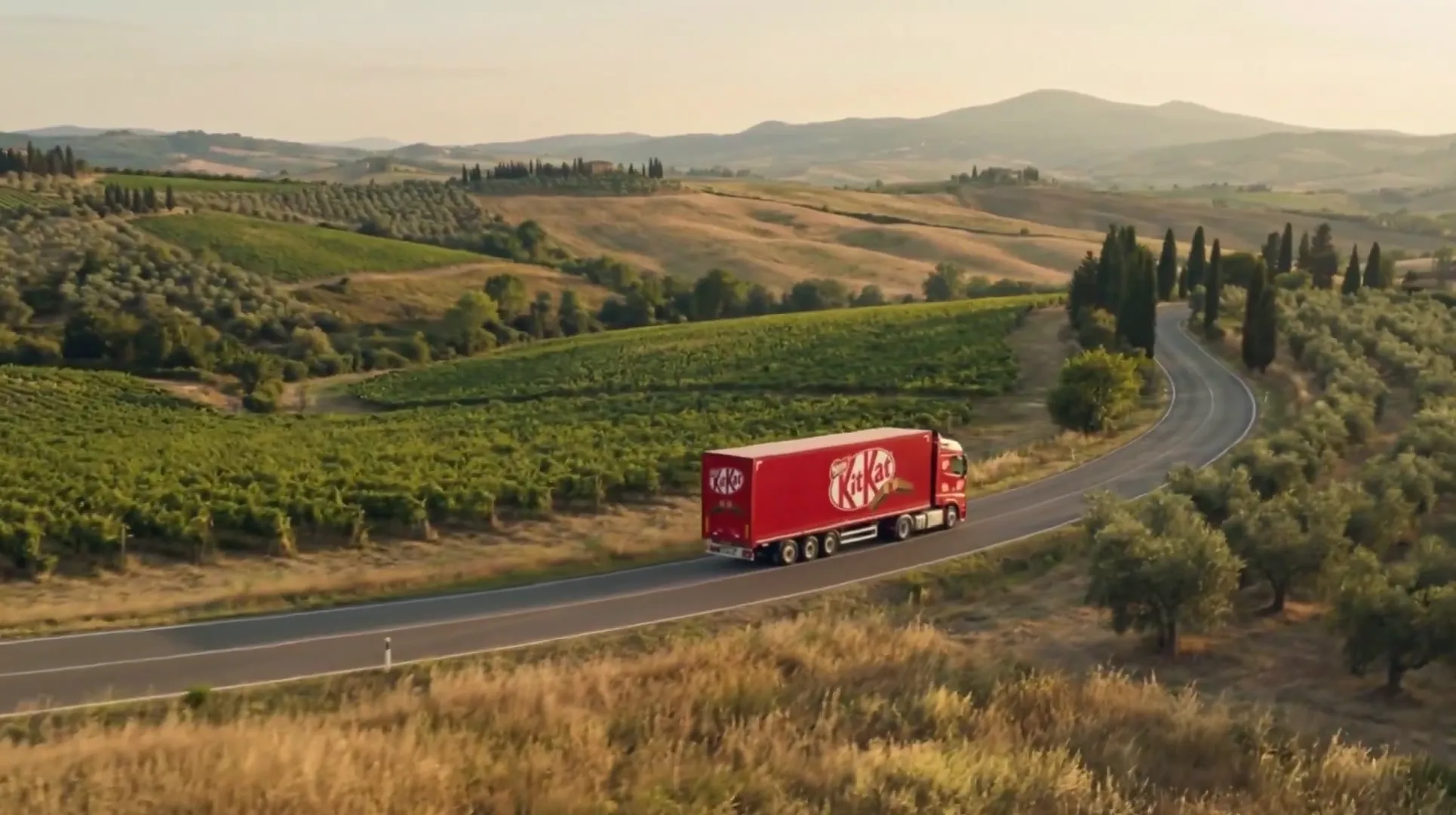
How to recreate
1) Shoot or source aerial footage from 300+ feet altitude. 2) Position branded subject in lower-third or center frame. 3) Apply single bold text overlay in 48pt+ sans-serif font. 4) Hold static for 3 seconds minimum. 5) Ensure landscape context is visible and recognizable.
Cut 02
Medium-Angle Profile Vehicle Pass with Dual-Brand Text Lock
Side-profile static shot of a moving vehicle captured at medium distance (not aerial, not close-up). Dual branding text overlay positioned consistently. Shot duration matches narrative pacing (3 seconds). Composition emphasizes vehicle silhouette against landscape backdrop.
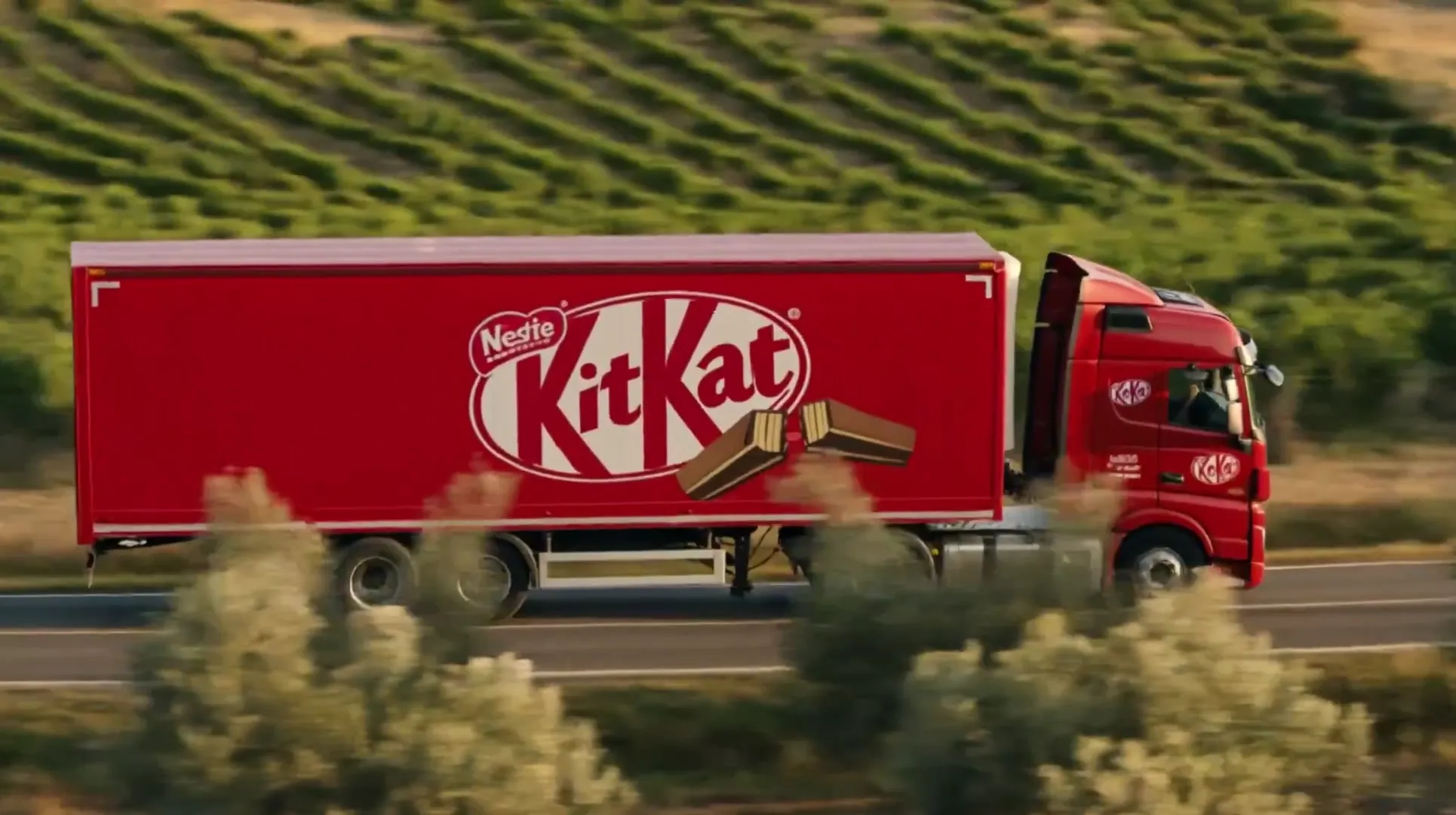
How to recreate
1) Position camera at 45-90 degree angle to vehicle direction of travel. 2) Frame vehicle in left or right third of composition. 3) Ensure landscape context fills remaining frame. 4) Apply two-line text overlay (brand + sub-brand) in upper-left or upper-right quadrant. 5) Lock shot duration to 3 seconds.
Cut 03
Aerial Depth Recession with Vanishing Point Vehicle
High-altitude shot where branded vehicle appears small and distant, positioned along a receding road or path. No text overlay. Composition uses leading lines (road, landscape features) to draw viewer perspective toward the vehicle. Creates sense of journey and scale.
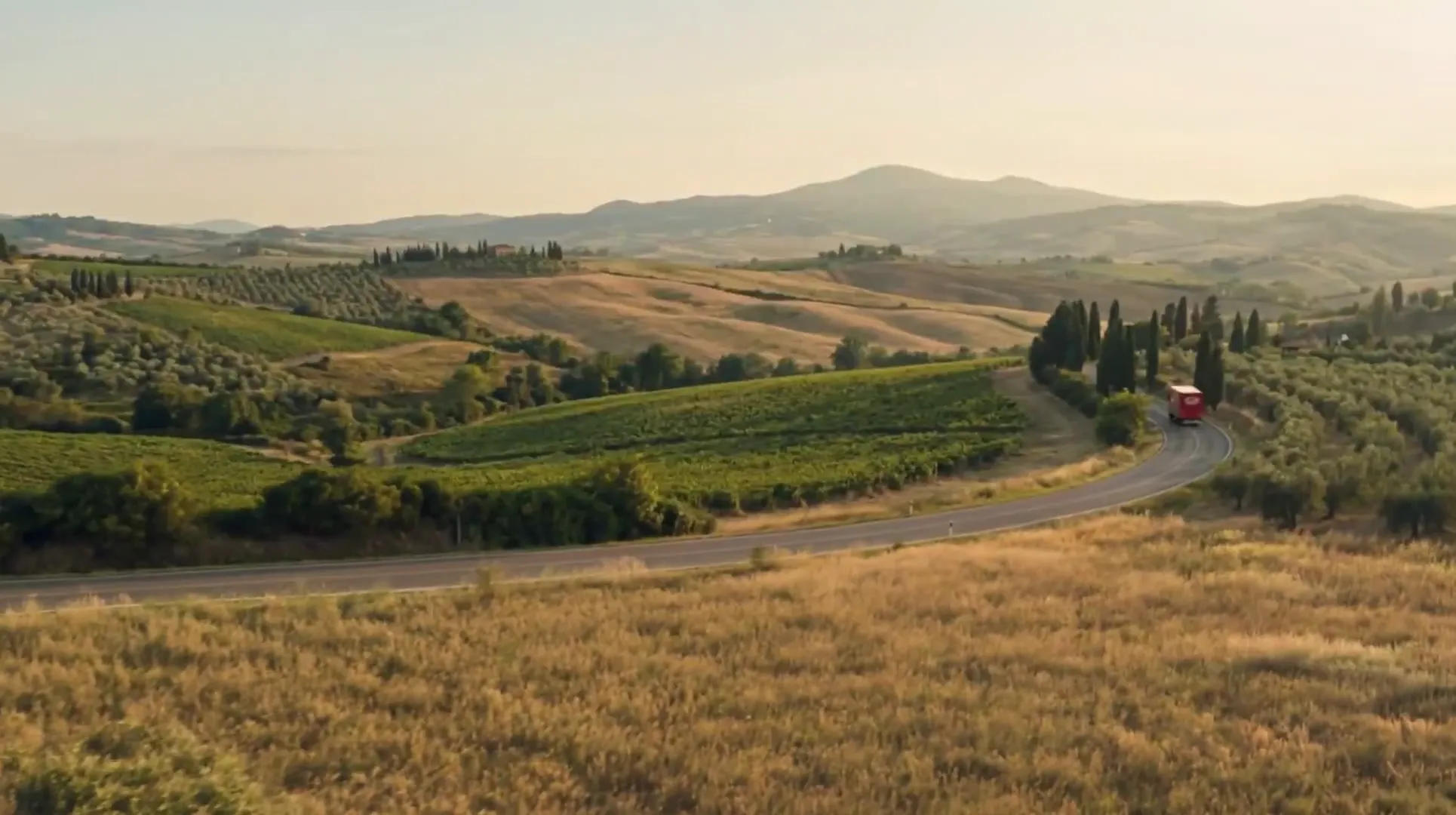
How to recreate
1) Shoot from altitude with vehicle 200+ feet away. 2) Position vehicle along a linear path (road, river, field line) that recedes into frame. 3) Compose so vehicle sits at vanishing point or near it. 4) Avoid text overlay to emphasize landscape vastness. 5) Hold 3 seconds to allow viewer eye-travel.
Cut 04
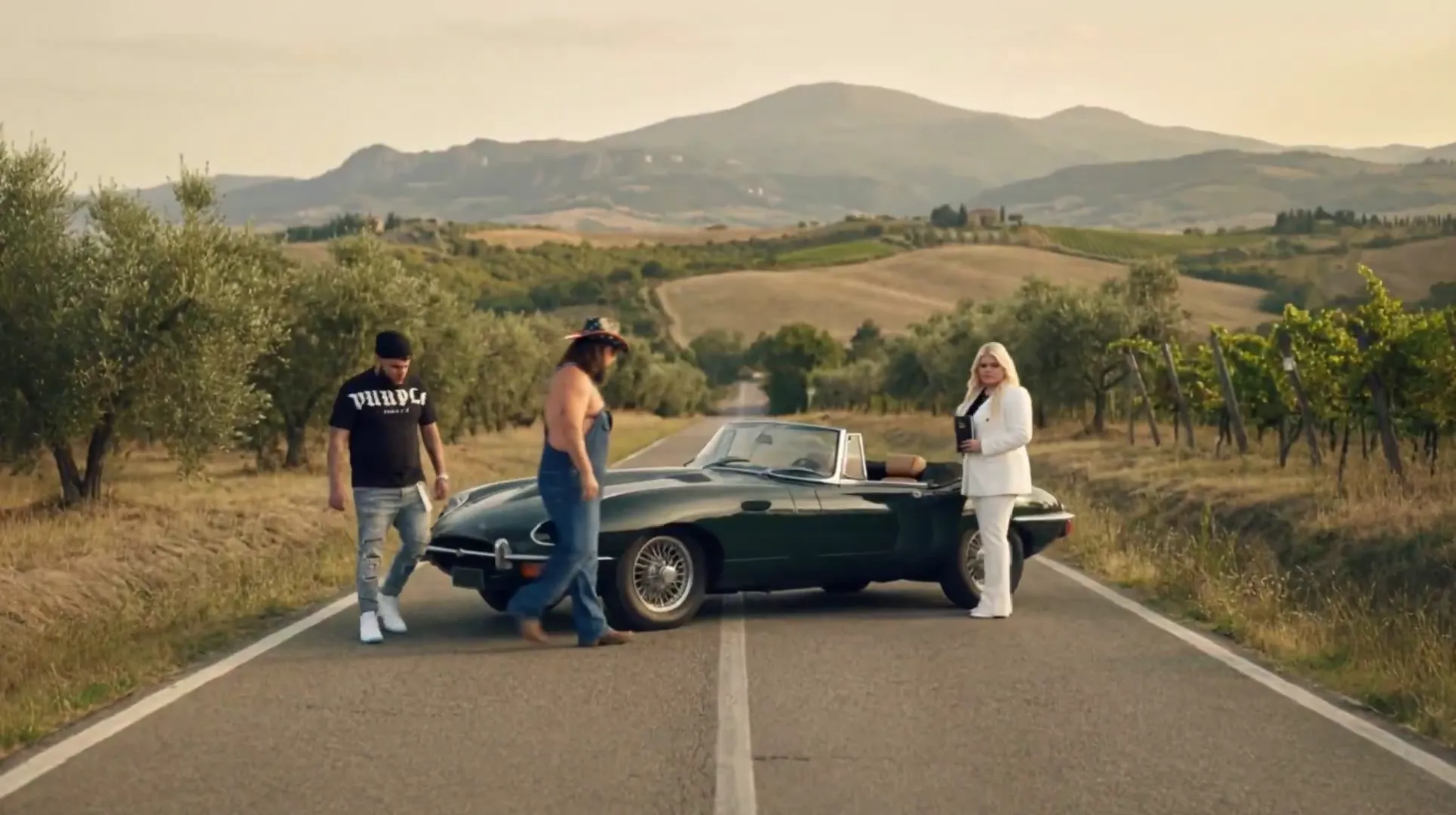
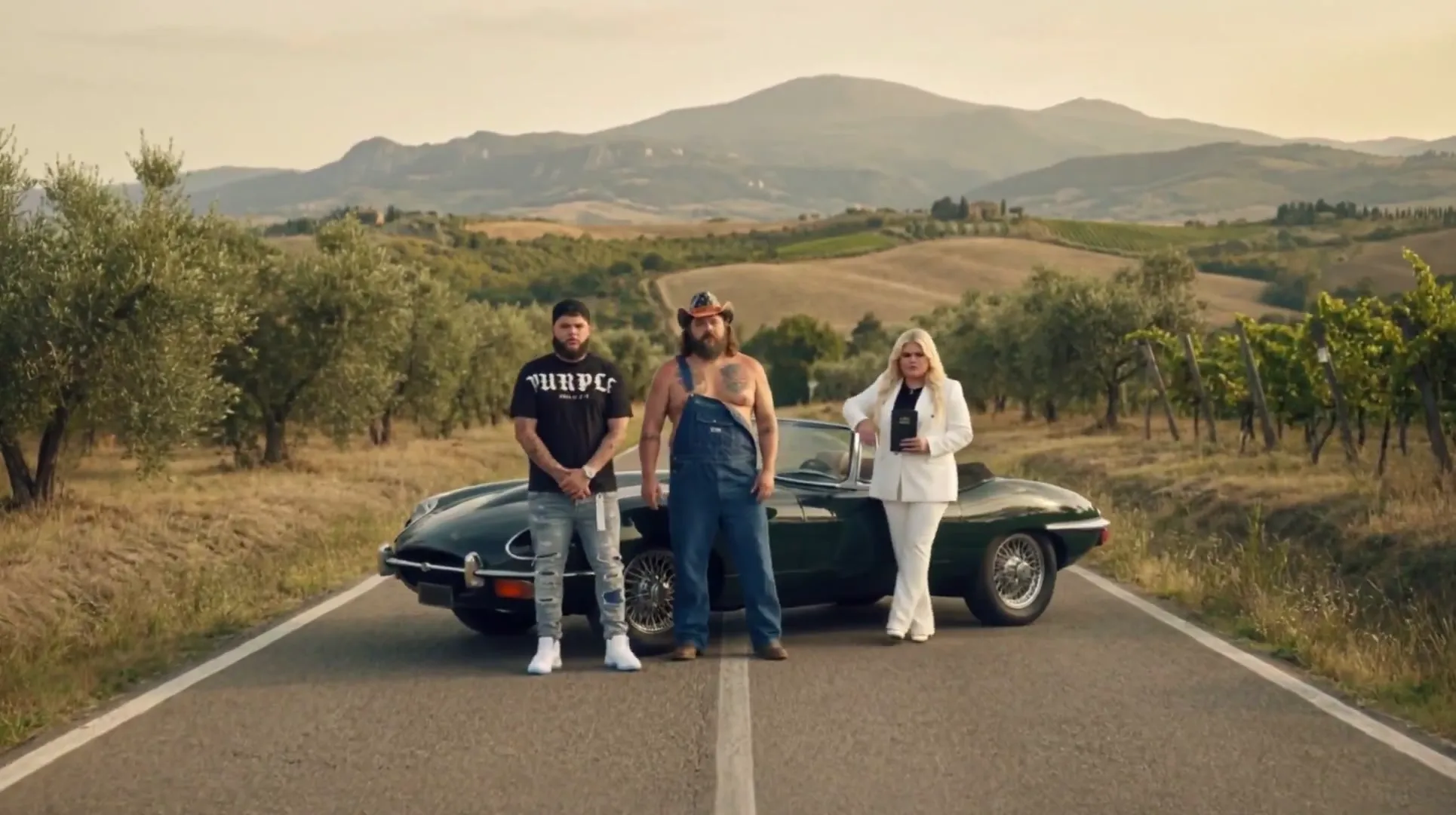
Wide Ensemble Approach with Repeated Single-Word Callout
Wide-angle shot capturing three or more human figures in landscape context, with a secondary branded element (vehicle) visible. Single word text overlay repeats across multiple frames (3+ frames over 9 seconds). Composition emphasizes group formation and anticipation of interaction.
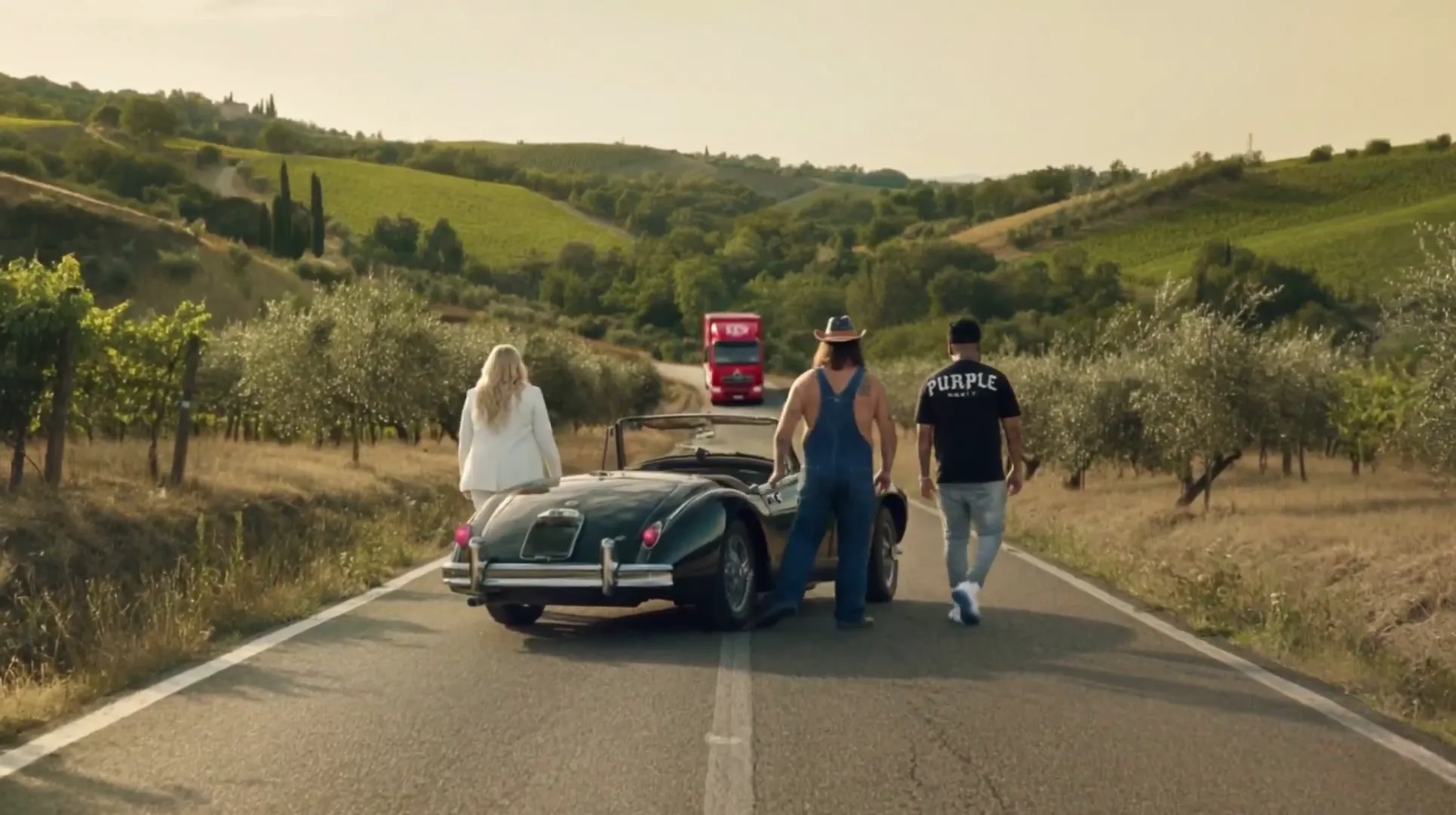
How to recreate
1) Frame three or more people in wide shot (full-body visible). 2) Position them in formation (walking, standing, facing direction). 3) Include secondary branded element in background or mid-ground. 4) Apply single-word text overlay (3-4pt size relative to frame). 5) Repeat identical text across 3 frames at 3-second intervals. 6) Total duration 9 seconds.
🔒
Unlock all 10 signature cuts
The other 6 cuts — each with its shot, the scenes it spans and the paste-ready recreation recipe.
Sign in to unlock →Scene breakdown
What’s on screen
12scenes
static image92%
text overlay8%
🔒
Unlock the full blueprint
The camera-language breakdown and the full production build sheet — total scenes, animated vs static, dominant style and angle.
Sign in to unlock →Look & colour
The palette pulled from the cut
The signature colours carrying the mood — match these to land the same on-screen feel.
The footage
12 frames sampled
🔒
Unlock every frame
All 12 sampled frames, each with its scene type, camera angle and palette.
Sign in to unlock →🔒
Unlock the sound design
The complete sound design — assembly order, music segments, SFX events and signature moves.
Sign in to unlock →Cast & world
Who & what’s in it 0 people · 0 places · 0 objects
🔒
Unlock the full cast & world
All 0 people, 0 places and 0 objects — each with their frames.
Sign in to unlock →